
$19.00
PromptsHeaven Playbook · 100 prompts
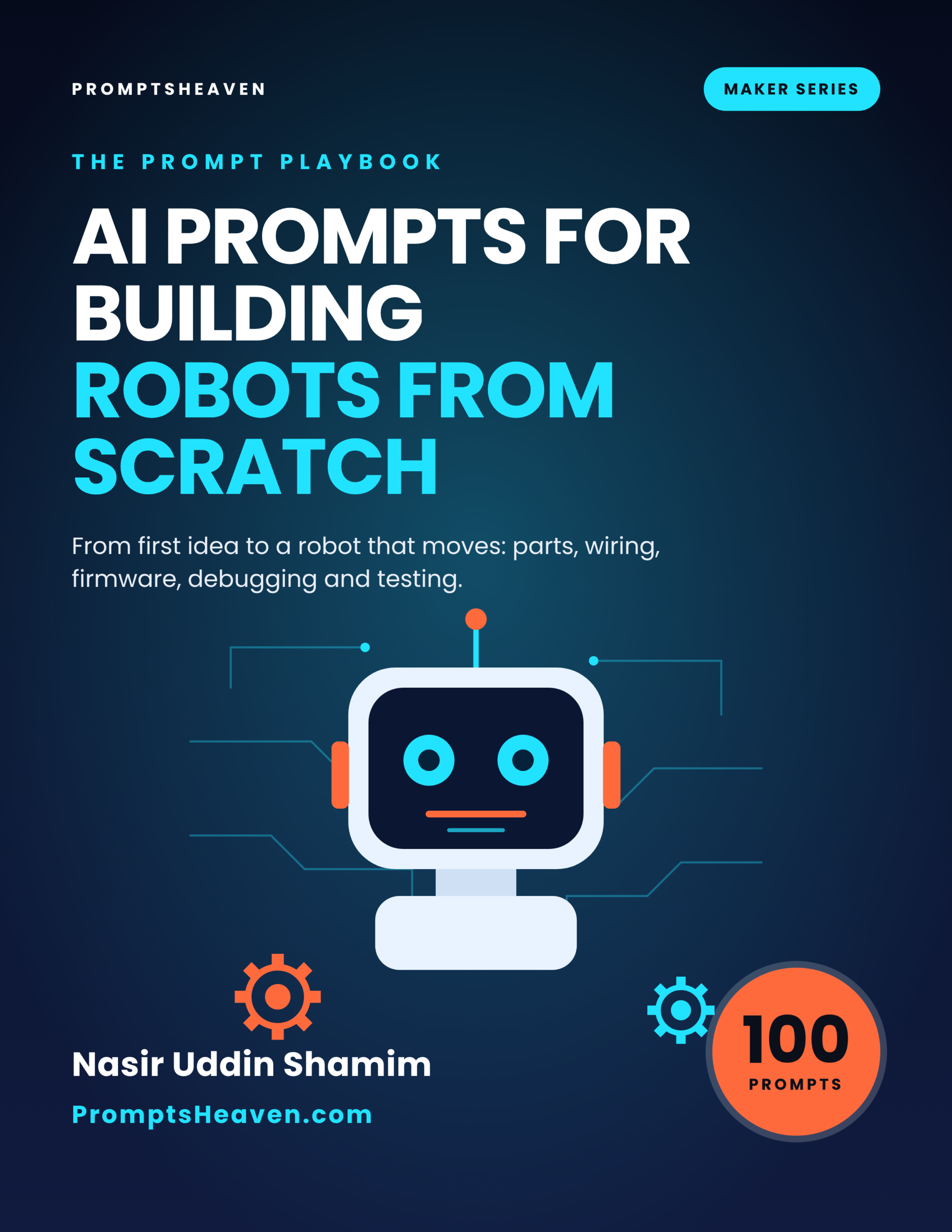
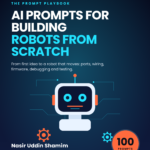
AI Prompts for Building Robots From Scratch
Plan, choose parts, wire, program, debug and test a robot, with datasheets kept as the authority.
- 100 complete prompts in 14 chapters
- A Verify step on every prompt
- Safety and accuracy rules for your field
- Instant PDF download, yours to keep
- 30-day refund policy
Description
AI Prompts for Building Robots From Scratch is a PDF of 100 ready-to-use AI prompts for building robots from scratch.
Plan, choose parts, wire, program, debug and test a robot, with datasheets kept as the authority. Each prompt tells you when to use it, gives the complete text to paste into ChatGPT, Claude or Gemini with placeholders for your own facts, and ends with a Verify step so you check the answer before you rely on it.
| Author | Nasir Uddin Shamim |
|---|---|
| Publisher | PromptsHeaven |
| Best for | Hobbyists building a first or next robot, Students and teachers running robot projects, Makers moving from kits to their own designs |
| Works with | ChatGPT, Claude, Gemini, Microsoft Copilot and similar assistants |
| Included | 100 prompts, safety and accuracy rules, glossary, resources list |
| Refunds | 30-day refund policy |
14 areas of your work, covered properly.
The playbook is organized around the real tasks of the job, not around AI tricks.
Three prompts, printed in full.
This is exactly how all 100 prompts look in the book.
Prompt 1.1: Turn an idea into a clear specification
I want to build a robot that [WHAT IT SHOULD DO]. My experience level is [BEGINNER/INTERMEDIATE]. My budget is [AMOUNT]. I have these tools: [LIST TOOLS].
Ask me up to eight questions that would change the design (for example environment, size, runtime, payload). After I answer, write a one-page specification with: goal, success test, size limit, runtime target, and what is out of scope.
Prompt 6.4: Robot arm basics
I am building a [NUMBER]-joint arm with [SERVO/STEPPER TYPE]. Explain joint limits, how to avoid hitting its own base, how to move smoothly instead of jumping, and a simple method to find the angles needed to reach a point. Do not give code unless I ask; list the steps and what to test.
Prompt 11.7: Joint limit and collision guard
Help me define software joint limits and simple collision checks for my arm with these dimensions [DIMENSIONS] and mounting [MOUNTING]. Show how to check commands before sending them to servos.
Every prompt in the playbook.
Open a chapter to see the title of every prompt inside it.
Chapter 1: Plan the Robot (6 prompts)
- Turn an idea into a clear specification
- Break the robot into subsystems
- Compare design options
- Plan a bill of materials
- Learning path for the missing skills
- Risk review before you build
Chapter 2: Parts, Motors and Power (6 prompts)
- Choose a controller board
- Understand motor choices
- Motor driver matching checklist
- Power system planning
- Chassis and mounting questions
- Sensor selection questions
Chapter 3: Wiring and Electronics (6 prompts)
- Wiring plan from a description
- Wiring review before power-up
- Explain a schematic
- Noise and reset problems
- Connector and cable plan
- Soldering and assembly checklist
Chapter 4: Code, Debugging and Testing (6 prompts)
- Starter code outline
- Explain an error message
- Review my code for a safety problem
- Tune a controller step by step
- Test plan
- Build log and handover document
Chapter 5: Sensors and Perception (6 prompts)
- Read a sensor datasheet
- Distance sensing setup
- Line sensing design
- Filtering noisy readings
- Calibrate a sensor
- Camera and vision starter plan
Chapter 6: Motion and Control Projects (6 prompts)
- Line follower project plan
- Obstacle avoidance logic
- Encoder and speed control
- Robot arm basics
- Balancing robot concept
- Smooth motion planning
Chapter 7: Wireless and Remote Control (6 prompts)
- Choose a communication method
- Phone control app plan
- Failsafe design
- Telemetry and logging
- Debug a connection problem
- Pairing multiple robots
Chapter 8: Mechanical Design and 3D Printing (6 prompts)
- Design requirements for a part
- Parametric design with OpenSCAD
- Print failure diagnosis
- Strength and weight trade-offs
- Assembly instructions
- Cable and weight management
Chapter 9: Autonomy and Software Structure (6 prompts)
- Plan the software architecture
- Introduction to ROS concepts
- Simple mapping and localization ideas
- Behavior priorities
- Unit testing for robot code
- Code review for readability
Chapter 10: Documenting, Sharing and Competing (6 prompts)
- Project write-up
- Video script for a build
- Competition rule analysis
- Pre-competition checklist
- Post-mortem after a failure
- Next robot roadmap
Chapter 11: Robot Arms and Grippers (10 prompts)
- Arm requirements sheet
- Servo selection questions
- Gripper design options
- Forward kinematics explained
- Inverse kinematics for a 2-link arm
- Teach-and-repeat mode
- Joint limit and collision guard
- Calibration of arm zero positions
- Pick-and-place sequence
- Arm wiring and power review
Chapter 12: Computer Vision and AI on the Robot (10 prompts)
- Choose a vision approach
- Color tracking tuning
- Collect a training dataset
- Run a model on a small board
- Camera calibration
- Vision-guided steering
- Speech or voice commands
- Use an LLM as the robot's planner
- Debug false detections
- Vision performance log
Chapter 13: Teaching and Classroom Robotics (10 prompts)
- Lesson plan for a robotics class
- Explain a concept to beginners
- Project ideas by level
- Team roles for a robot project
- Rubric for grading projects
- Lab safety briefing
- Debugging guide for students
- Parent or sponsor update
- Competition preparation schedule
- Reflection questions
Chapter 14: Troubleshooting Field Guide (10 prompts)
- Robot does nothing at power-on
- One motor will not turn
- Robot drives in circles
- Random resets during driving
- Sensor works on the bench but not on the robot
- Upload fails
- Overheating parts
- Wireless control lags
- Battery runs out fast
- Write a fault report
Built to be trusted, not just used.
Typical free prompt lists
- A handful of generic prompts with a job title pasted in
- No way to check the answer
- Break on real documents and local rules
This playbook
- 100 prompts built around real tasks and documents
- A Verify step on every prompt
- Clear rules on what AI must never decide for you
Made for people who do the work.
Perfect for
- Hobbyists building a first or next robot
- Students and teachers running robot projects
- Makers moving from kits to their own designs
Not for
- Anyone wanting pin numbers or voltage limits handed to them
- Industrial or safety-certified robotics work
Want every playbook?
Get this book and every other PromptsHeaven industry playbook, now and in the future, for $99.
Frequently asked questions.
What is AI Prompts for Building Robots From Scratch?
It is a PDF playbook of 100 ready-to-use AI prompts for building robots from scratch, written by Nasir Uddin Shamim and published by PromptsHeaven. Each prompt explains when to use it, gives the complete text with placeholders for your own details, and ends with a Verify step.
Which AI tools do the prompts work with?
They are plain-language prompts that work in ChatGPT, Claude, Gemini, Microsoft Copilot and similar AI assistants.
What is the Verify step?
Every prompt ends with a short check telling you what to confirm before you rely on the answer, such as matching numbers to your documents, the product label, the datasheet or official guidance.
Does the book give legal, medical, financial or regulatory answers?
No. On purpose, it contains no legal limits, rates or official requirements. Where a number or rule matters, the prompt tells you which official source or qualified person to use.
How do I receive the book?
Right after checkout you get a download link on screen and by email, and you can download it again from your account.
How much does it cost?
$19 as a one-time payment, or get every PromptsHeaven industry playbook for $99 with the Complete Playbook Bundle.
Is there a refund policy?
Yes, a 30-day refund policy. See the refund policy page for details.
Start using better prompts today.
Instant PDF download · 30-day refund policy · Works with ChatGPT, Claude and Gemini
Related products
-
AI Prompts for Funeral Homes and Obituary Writing (100 Prompts)
$19.00 Add to cart -
AI Prompts for Restaurant Food Safety and HACCP (100 Prompts)
$19.00 Add to cart -
AI Prompts for Small and Mid-Size Farmers (100 Prompts)
$19.00 Add to cart -
Sale!

Prompts Bundle (MJ, ChatGPT, SD, Dall-e)
Original price was: $199.00.$14.99Current price is: $14.99. Add to cart
Reviews
There are no reviews yet.