
$15.00
PromptsHeaven Playbook
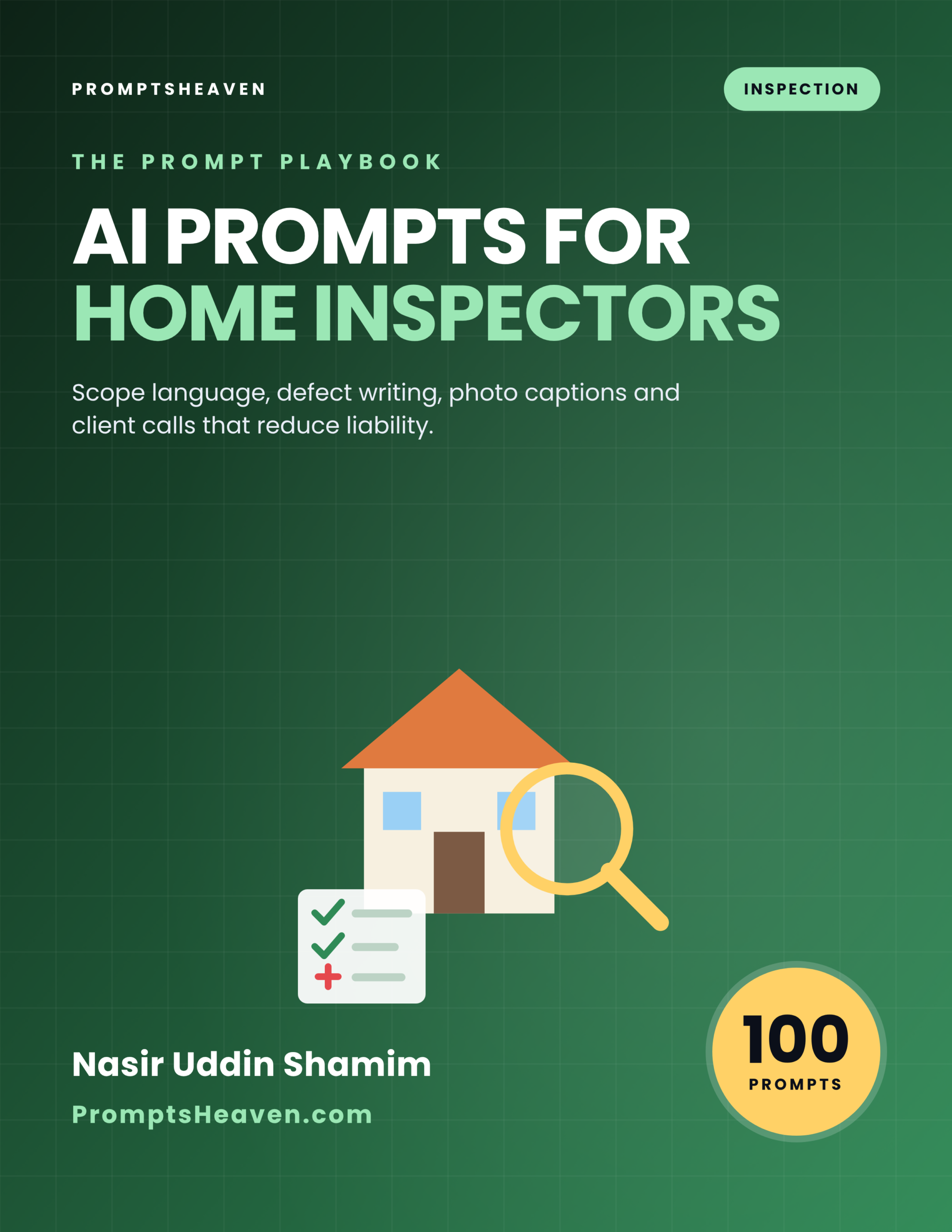
AI Prompts for Home Inspectors: Reports That Reduce Liability
Write inspection reports that are clear to clients and protect you when questions come later.
- Describe defects clearly, factually and consistently.
- Write scope and limitation language you can have reviewed by your attorney or association.
- Turn photos and notes into clean report sections.
- Instant PDF download, 30-day refund policy
Description
Write inspection reports that are clear to clients and protect you when questions come later.
Vague defect wording and missing scope statements are what complaints and claims are built on. AI Prompts for Home Inspectors: Reports That Reduce Liability is a PDF of 114 complete AI prompts that helps you handle exactly these situations faster, with a check built into every one so you stay in control.
From stuck to done.
Sound familiar?
- Report writing eats your evenings.
- Wording a defect so it is accurate but not alarming is hard.
- Clients call afterward with questions or complaints.
After this playbook
- Describe defects clearly, factually and consistently.
- Write scope and limitation language you can have reviewed by your attorney or association.
- Turn photos and notes into clean report sections.
- Handle client calls and complaints calmly with a clear record.
Three moments it was written for.
Written in the language your trade speaks.
Three prompts, printed in full.
Each prompt starts with the situation you are in, gives you the full text to paste into your AI assistant with your own details filled in, then tells you what to check before you use the result.
Master setup prompt (paste first, once per chat)
You are my working assistant for a professional home inspector. You help me organize facts, plan next steps and draft clear, professional documents.
Rules for this entire chat: 1. Use only facts, numbers, documents and dates I give you. List anything missing under "Missing information" and ask me. 2. Never state a rule, code, price, deadline, threshold or legal requirement as fact. Use placeholders like [STANDARD OR STATE RULE TO VERIFY] for anything I must check at the official source. 3. Never help me alter, backdate or invent records or evidence. 4. No legal, medical, tax or financial advice. Flag decisions that need a qualified professional. 5. Keep a calm, specific, respectful tone. 6. End every draft with a "Before you use this" checklist.
Reply "Ready" and wait for the first task.
Limitation photos
Write a rule for photographing inaccessible areas.
Report QA checklist
Create a final report QA checklist.
13 areas of your work, covered.
Start Here: Set Up Your AI Assistant (3 prompts)
- Master setup prompt (paste first, once per chat)
- Working summary (fill in once, reuse often)
- Readiness check
The Inspection Agreement (10 prompts)
- Agreement plain-language summary
- Scope explanation for clients
- Exclusions list
- Add-on service descriptions
- Pre-inspection email
- Access requirements checklist
- Cancellation and reschedule policy wording
- Third party attendance note
- Agreement update checklist
- Client intake form
Scope, Limitations and Disclosures (10 prompts)
- Limitation statement writer
- Inaccessible areas list
- Weather and conditions disclaimer
- Utilities off statement
- Concealed conditions note
- Safety limit statement
- Occupied home note
- Out-of-scope observation wording
- Environmental hazards disclaimer
- Recommendation wording bank
Turning Field Notes into Findings (10 prompts)
- Notes to findings
- Observation versus conclusion
- Safety defect classification
- Summary page builder
- Consistent finding template
- Shortening long findings
- Tone softening without changing meaning
- Detecting vague wording
- Report proofreading
- Template to avoid wrong checkboxes
Photos and Documentation (10 prompts)
- Photo plan for each system
- Caption writer
- Photo and finding match check
- Wide and close shot rule
- Label with scale
- Limitation photos
- Video and drone use notes
- Photo storage and retention
- Sketches and diagrams
- Photo privacy
System-by-System Report Language (10 prompts)
- Roof description template
- Electrical panel template
- Plumbing observation template
- HVAC observation template
- Foundation and structure template
- Attic and insulation template
- Crawlspace template
- Water heater template
- Exterior and drainage template
- Interior template
Client Communication (10 prompts)
- Findings call script
- Email delivering a report
- Explaining a defect to a worried buyer
- Handling pressure from agents
- Negotiation boundaries
- Follow-up after a week
- Thank-you and review request
- FAQ for buyers
- Language simplification
- Handling a seller present at inspection
Complaints, Callbacks and Claims (10 prompts)
- Complaint intake
- Initial response
- Report review checklist
- Site revisit request
- Notice to insurer reminder
- Reply to a demand letter
- Settlement question list
- Documentation timeline
- Lessons from a claim
- Board complaint response
Risk Management and Insurance (10 prompts)
- E&O coverage questions
- Pre-claim practices list
- Peer review process
- Report QA checklist
- Continuing education plan
- Tools and equipment checklist
- Time per inspection policy
- Difficult property protocol
- Record retention
- Annual risk review
Marketing and Business Growth (10 prompts)
- Agent referral letter
- Website service page
- Sample report note
- Review response
- Educational blog outline
- Social media post
- Pricing explanation
- Partnership outreach
- Annual client follow-up
- Business plan outline
Special Inspections and Add-On Services (10 prompts)
- Pre-listing inspection wording
- New construction inspection notes
- Warranty inspection at 11 months
- Radon test report wording
- Mold observation wording
- Sewer scope report language
- Thermal imaging note
- Pool and spa observation
- Wood destroying insect disclaimer
- Condo and multi-unit notes
Deep Prompts: Expert Workflows (9 prompts)
- Field notes to finding
- Limitations and exclusions paragraph
- Summary page for the client
- Defensible wording check
- Photo caption set
- Client call or email reply
- Complaint response
- Agreement and scope review checklist
- Annual report template review
Guided Sessions (2 prompts)
- Guided session: write the report faster
- Guided session: prepare for a callback
You can. Here is what changes.
Asking from scratch
- You have to know what to ask, every time
- Answers sound confident even when details are wrong
- Every request starts with a blank box
With the playbook
- The right question for the situation is already written
- Every prompt makes you add your own facts and ends with a check
- You get a repeatable process, not a one-off lucky answer
Made for people who do the work.
Perfect for
- Home inspectors
- Inspection company owners
- Report writers
Not for
- Legal advice
- State licensing standards
Want every playbook?
Get this book and every other PromptsHeaven playbook, now and in the future, for $149. That is 34 playbooks that would cost $540 separately.
Frequently asked questions.
What problem does AI Prompts for Home Inspectors: Reports That Reduce Liability solve?
Write inspection reports that are clear to clients and protect you when questions come later. It gives home inspectors complete, ready-to-use AI prompts for the situations they actually face, so the first draft is done in minutes and the checking is built in.
Will AI really get my details right?
Not on its own, which is why every prompt ends with a Verify step. You add your own facts, and the step tells you what to check against your documents, the official source or a qualified professional before you rely on it.
Which AI tools do the prompts work with?
They are plain-language prompts that work in ChatGPT, Claude, Gemini, Microsoft Copilot and similar AI assistants.
Does it replace a lawyer, accountant, doctor or other professional?
No. It helps you prepare, organize and draft faster. Where a rule, limit or number matters, the prompt points you to the official source or the right professional instead of guessing.
How do I receive it?
Right after checkout you get a download link on screen and by email, and you can download it again from your account.
How much does it cost?
$15 as a one-time payment, or every PromptsHeaven playbook for $149 with the Complete Playbook Bundle ($540 if bought separately).
What if it is not useful for me?
There is a 30-day refund policy. See the refund policy page for details.
Stop losing time and money to this problem.
Instant PDF download. 30-day refund policy. Works with ChatGPT, Claude and Gemini.




Reviews
There are no reviews yet.