
$19.00
PromptsHeaven Playbook · 100 prompts
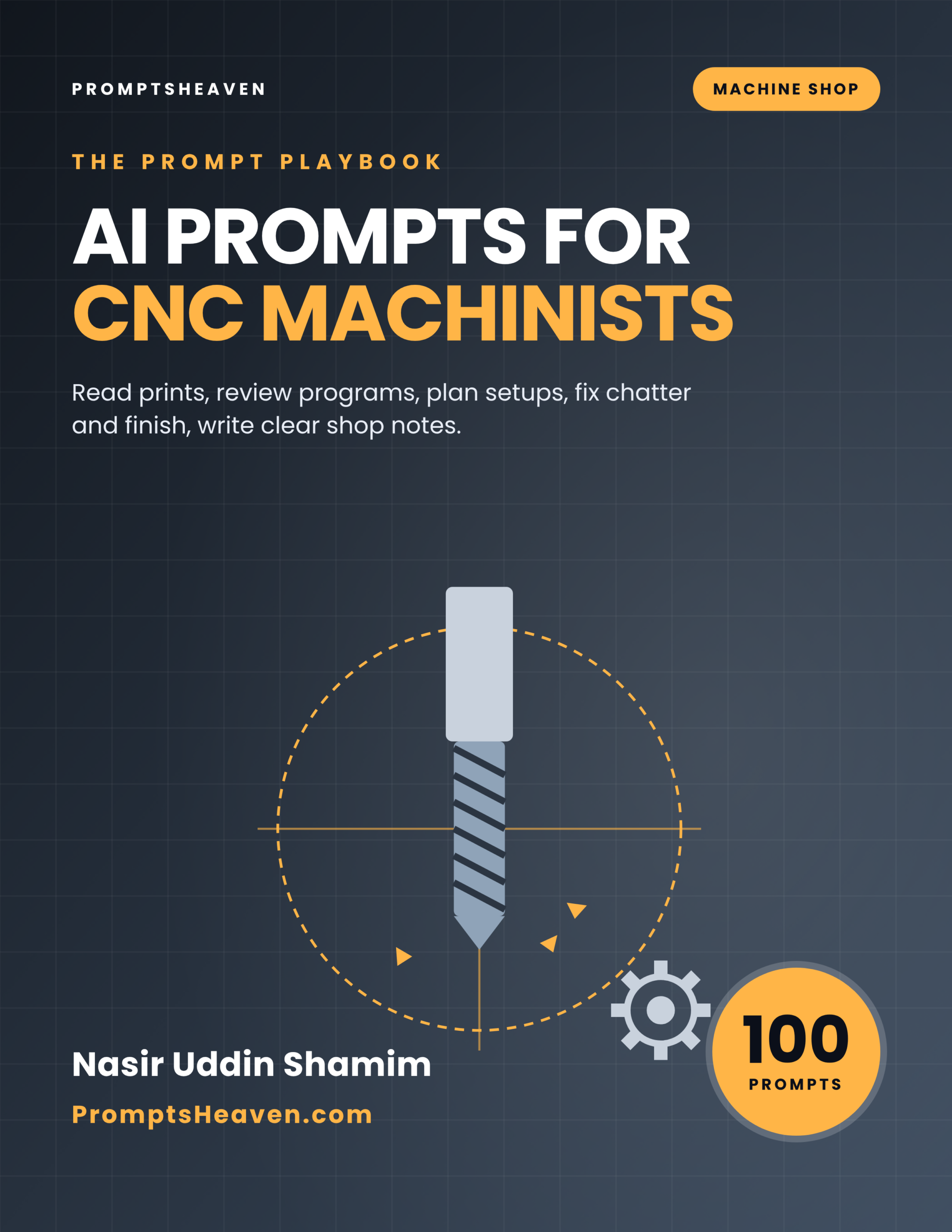
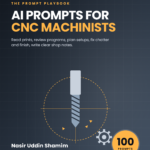
AI Prompts for CNC Machinists and Tool and Die Makers
Read prints, review programs, plan setups, troubleshoot finish and chatter, and write clear shop notes.
- 100 complete prompts in 10 chapters
- A Verify step on every prompt
- Safety and accuracy rules for your field
- Instant PDF download, yours to keep
- 30-day refund policy
Description
AI Prompts for CNC Machinists and Tool and Die Makers is a PDF of 100 ready-to-use AI prompts for cnc machinists.
Read prints, review programs, plan setups, troubleshoot finish and chatter, and write clear shop notes. Each prompt tells you when to use it, gives the complete text to paste into ChatGPT, Claude or Gemini with placeholders for your own facts, and ends with a Verify step so you check the answer before you rely on it.
| Author | Nasir Uddin Shamim |
|---|---|
| Publisher | PromptsHeaven |
| Best for | CNC machinists and setup operators, Tool and die makers, Shop leads and small job shop owners |
| Works with | ChatGPT, Claude, Gemini, Microsoft Copilot and similar assistants |
| Included | 100 prompts, safety and accuracy rules, glossary, resources list |
| Refunds | 30-day refund policy |
10 areas of your work, covered properly.
The playbook is organized around the real tasks of the job, not around AI tricks.
Three prompts, printed in full.
This is exactly how all 100 prompts look in the book.
Prompt 1.1: Explain a print feature
Explain this drawing callout in plain shop language: [DESCRIBE OR TYPE THE CALLOUT, INCLUDING SYMBOLS, VALUES AND DATUMS]. Tell me what it controls, how it is usually inspected, and what questions I should ask engineering if it seems ambiguous.
Prompt 4.4: Holder and stick-out choices
Explain how tool holder type and stick-out affect rigidity and chatter, and the questions to answer for my job [JOB].
Prompt 7.7: Customer change request
Write a reply to a customer change request explaining the impact on cost and delivery (from my figures) and asking for written approval.
Every prompt in the playbook.
Open a chapter to see the title of every prompt inside it.
Chapter 1: Reading Prints and GD&T (10 prompts)
- Explain a print feature
- Datum scheme to setup
- Tolerance stack-up check
- Print revision comparison
- Surface finish callouts
- Thread callouts
- Questions to engineering
- Material and heat treat notes
- Inspection characteristics list
- Teach a new operator to read the print
Chapter 2: Program Review (10 prompts)
- Explain a program section
- Program safety review
- Compare two program versions
- Cycle time breakdown
- Comment and document a program
- Macro variable explanation
- Probing routine questions
- Post-processor output check
- Program naming and storage
- Program prove-out checklist
Chapter 3: Setup Planning and Workholding (10 prompts)
- Setup sheet
- Choose workholding
- Operation sequence
- Soft jaw design
- Reduce setup time
- Thin wall and distortion
- Indicating and alignment
- Multi-part fixturing
- Second-operation planning
- Setup handover note
Chapter 4: Tooling and Cutting Data Questions (10 prompts)
- Tool selection questions
- Cutting data from a catalog
- Tool life tracking
- Holder and stick-out choices
- Coolant and chip control
- Tool library standardization
- Insert wear diagnosis
- Tool cost per part
- Trial a new tool
- Supplier technical support request
Chapter 5: Troubleshooting Finish, Chatter and Accuracy (10 prompts)
- Chatter diagnosis
- Poor surface finish
- Dimension drifting during the run
- Position errors
- Burrs
- Taper on turned parts
- Scrap investigation report
- Machine alarm explained
- Thermal stability routine
- Troubleshooting log
Chapter 6: Inspection and Measurement (10 prompts)
- Choose a measuring method
- First article inspection plan
- In-process inspection frequency
- Gauge calibration tracking
- Measurement disagreement
- SPC basics
- Inspection report
- Nonconformance report
- CMM program questions
- Teach measurement skills
Chapter 7: Quoting and Job Planning (10 prompts)
- Quote request review
- Build a quote estimate
- Job routing
- Capacity check
- Quote follow-up email
- Job post-mortem
- Customer change request
- Outside processing coordination
- Material ordering
- Delivery promise email
Chapter 8: Fixtures, Tool and Die, and Maintenance (10 prompts)
- Fixture design requirements
- Die maintenance checklist
- Die problem diagnosis
- Spare parts list
- Preventive maintenance plan
- Maintenance request
- Fixture documentation
- Tool room job priority
- Cost of downtime
- Machine purchase questions
Chapter 9: Communication, Safety and Improvement (10 prompts)
- Note to engineering
- Shift report
- Safety briefing
- Near-miss report
- 5S plan for a cell
- Continuous improvement idea
- Train an apprentice
- Work instruction
- Customer complaint response
- Resume and skills summary
Chapter 10: CAM Programming Workflow (10 prompts)
- CAM setup checklist
- Toolpath strategy choice
- Simulation review checklist
- Feature recognition limits
- Template operations
- Rest machining
- Program documentation from CAM
- Edits at the machine versus in CAM
- Five-axis readiness questions
- CAM learning plan
Built to be trusted, not just used.
Typical free prompt lists
- A handful of generic prompts with a job title pasted in
- No way to check the answer
- Break on real documents and local rules
This playbook
- 100 prompts built around real tasks and documents
- A Verify step on every prompt
- Clear rules on what AI must never decide for you
Made for people who do the work.
Perfect for
- CNC machinists and setup operators
- Tool and die makers
- Shop leads and small job shop owners
Not for
- Anyone wanting AI to output untested G-code to run
- A replacement for machine and tooling manuals
Want every playbook?
Get this book and every other PromptsHeaven industry playbook, now and in the future, for $99.
Frequently asked questions.
What is AI Prompts for CNC Machinists and Tool and Die Makers?
It is a PDF playbook of 100 ready-to-use AI prompts for cnc machinists, written by Nasir Uddin Shamim and published by PromptsHeaven. Each prompt explains when to use it, gives the complete text with placeholders for your own details, and ends with a Verify step.
Which AI tools do the prompts work with?
They are plain-language prompts that work in ChatGPT, Claude, Gemini, Microsoft Copilot and similar AI assistants.
What is the Verify step?
Every prompt ends with a short check telling you what to confirm before you rely on the answer, such as matching numbers to your documents, the product label, the datasheet or official guidance.
Does the book give legal, medical, financial or regulatory answers?
No. On purpose, it contains no legal limits, rates or official requirements. Where a number or rule matters, the prompt tells you which official source or qualified person to use.
How do I receive the book?
Right after checkout you get a download link on screen and by email, and you can download it again from your account.
How much does it cost?
$19 as a one-time payment, or get every PromptsHeaven industry playbook for $99 with the Complete Playbook Bundle.
Is there a refund policy?
Yes, a 30-day refund policy. See the refund policy page for details.
Start using better prompts today.
Instant PDF download · 30-day refund policy · Works with ChatGPT, Claude and Gemini
Related products
-
AI Prompts for Garment Merchandisers (100 Prompts)
$19.00 Add to cart -
AI Prompts for Freight Forwarders and Customs Brokers (100 Prompts)
$19.00 Add to cart -
AI Prompts for HOA Board Members (100 Prompts)
$19.00 Add to cart -
Sale!

PromptsHeaven All-in-One Creator Library
Original price was: $195.00.$19.00Current price is: $19.00. Add to cart
Reviews
There are no reviews yet.