
Quick answer
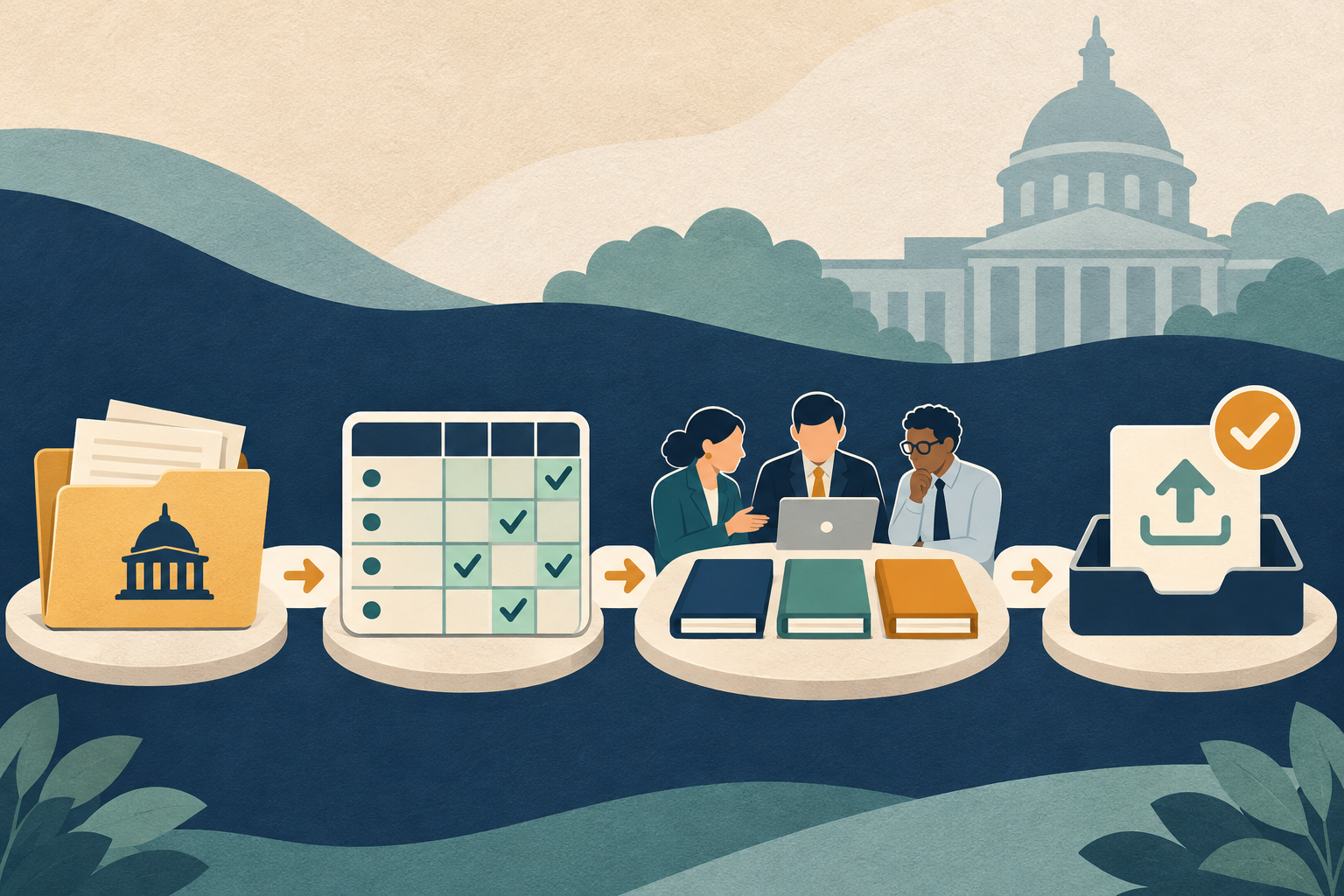
A small government contractor can keep a proposal on track by moving through eight gates: confirm the opportunity and fit, collect the current solicitation package, map instructions and evaluation factors, assign owners, build the response from approved evidence, run technical and price reviews, complete the final compliance check, and submit early enough to verify receipt. Keep amendment tracking active until the deadline. The exact instructions in the solicitation and its amendments control the bid.
Use our GovCon proposal prompt book to help organize the review. AI can sort a package and surface questions. Your team still has to confirm the facts, approvals, and submission.
For a practical requirement crosswalk and source-checking prompts, start with the GovCon proposal compliance guide.
A workflow built around handoffs
| Gate | Main owner | Output before moving on |
|---|---|---|
| 1. Confirm fit | Owner or capture lead | Go/no-go note and open questions |
| 2. Collect the package | Proposal lead | Document register and amendment list |
| 3. Map requirements | Compliance lead | Crosswalk tied to source pages |
| 4. Assign and schedule | Proposal manager | Owners, internal dates, and dependencies |
| 5. Build the response | Volume leads | Draft sections with approved source evidence |
| 6. Review the story and price | Technical and pricing reviewers | Resolved gaps and consistent assumptions |
| 7. Final compliance pass | Independent reviewer | Signed checklist and final file list |
| 8. Submit and log | Authorized submitter | Receipt, time, and exact package version |
Gate 1: Confirm the opportunity fits your company
Before you spend a week writing, ask whether the work matches your capability, availability, location, business status, and risk tolerance. Check the actual requirements. Do not decide from the title or a short summary alone.
Keep the decision short. Record what the company can perform, which partners or staff are needed, what information is missing, and who approves the bid. If the answer depends on a subcontractor, customer reference, or certification, assign someone to confirm it before the team commits.
Gate 2: Collect the current solicitation package
Make one authoritative folder. Include the solicitation, attachments, statement of work or performance work statement, forms, Q&A if published, and each amendment. Record where each file came from and when your team downloaded it. Keep a separate list of questions and answers from the official channel.
FAR Part 15 describes amendments as the formal way the government changes solicitation requirements or terms. Agencies can also issue agency-specific procedures and deviations. The FAR overhaul is happening through model text and agency adoption, so do not assume a generic FAR copy tells you exactly what applies to a particular bid. Use the issued solicitation and the current agency material that it identifies.
Gate 3: Map instructions, factors, and evidence
Build a crosswalk before full drafting. For each instruction, note the source, required response, owner, due date, and reviewer. For each evaluation factor, identify the evidence and proposal section that addresses it.
Keep instructions distinct from evaluation criteria. A required page limit is a preparation instruction. A technical approach factor is something the agency says it will evaluate. Your crosswalk should capture both.
If a requirement is ambiguous, write a precise question and use the contracting officer channel and deadline in the solicitation. Do not ask an AI model to choose an interpretation. Save the question and response in the bid folder so every writer uses the same answer.
Gate 4: Assign owners and work back from the official deadline
Build an internal schedule with a named owner for each volume, input, review, approval, and upload. Set internal dates before the official close. Leave time for amendments, final signatures, file conversion, and portal checks.
An internal target is a planning tool. It does not change the government’s closing time. FAR 15.208 says the offeror is responsible for delivering its proposal to the designated office by the time specified. Confirm the time zone and submission method from the solicitation, not from the team’s calendar defaults.
Gate 5: Draft from approved company evidence
Give every writer a source of truth for company facts: approved project descriptions, staff resumes, certifications, references, rates, and metrics. Store the source beside the draft or link to a controlled location. Mark any fact that still needs approval.
Use AI for narrow jobs such as turning a requirement into a draft outline, sorting approved facts into a response structure, or finding sentences that make claims not supported by the source sheet. Do not let a model invent a contract result, named customer, certification, or staff qualification to make the draft sound stronger.
Gate 6: Review technical, management, and price assumptions together
Once each section is drafted, compare the claims that appear across volumes. Do staffing numbers match the price file? Does the schedule use the same start date in every section? Does the technical approach promise equipment or service levels that the cost model can support?
Use one reconciliation list. Assign each mismatch to the technical, operations, staffing, or pricing owner. The proposal manager should not silently pick a number. When a change is approved, tell every volume lead who relies on it and update the source sheet.
Gate 7: Run a final compliance review
Ask someone who did not write the section to check the package against the crosswalk. They can catch a missing attachment or an answer that only repeats the question. Use the solicitation’s exact requirements and the current amendments.
- Check all sections, page limits, file formats, names, and order.
- Confirm required forms, acknowledgments, representations, and signatures.
- Check that company claims are approved and evidence is attached or referenced as required.
- Compare dates, staffing, deliverables, and quantities across volumes.
- Confirm the authorized submitter and the official delivery route.
- Save a read-only copy of the final package before upload.
If the proposal is large, review it in parts. The independent reviewer can use the crosswalk to check each instruction, then read the response as an evaluator would. Do not treat an AI-generated “all clear” as an approval.
Gate 8: Submit, confirm, and save the receipt
Submit through the official method in the solicitation. Check that each file is attached and that the system shows a receipt or other confirmation. Save the confirmation with the exact package version and submission time. If the portal returns an error, follow the official instructions and document what happened.
Do not plan on a late-submission exception. FAR 15.208 describes limited circumstances for late offers under its procedures, but an offeror should not rely on those exceptions. Your best protection is an earlier internal deadline and a confirmed upload.
A fictional example: a three-person proposal team
A small facilities contractor receives a federal request for proposals. This example is fictional. The owner confirms that the company can provide the work and asks the operations lead to verify staff availability. The proposal lead downloads the solicitation package and lists each amendment.
One person builds the crosswalk. It shows that the staffing approach is required, but the current resume for a key person is missing. The operations lead obtains an approved resume before drafting. During the review, the technical lead sees that the schedule promises mobilization before the staff can be cleared. The schedule and price assumptions are updated after the owner approves the change.
The independent reviewer checks the page limits, forms, signatures, and final file names. The submitter uploads the package before the official deadline, checks the system receipt, and saves the exact version. Nobody assumed the portal had accepted the proposal just because the upload button was clicked.
Use AI to create a status report
Review this proposal crosswalk and status notes. Do not judge bid compliance or predict an award. List open requirements, owners with no due date, draft sections missing source evidence, unanswered questions, and dependencies that may affect the internal schedule. Cite the crosswalk row or document reference for each item. Do not invent a deadline or company fact. Mark unclear items for the proposal lead to verify.
Review the report against the current crosswalk. Then check whether amendments have changed any item. For a gap-focused review, see the seven GovCon proposal gaps small contractors should catch. Our proposal compliance Q&A will answer the questions teams ask while they build a response. Use the GovCon requirement templates to keep the handoffs visible.
Sources and limits
- Acquisition.gov: FAR 15.208, Submission, Modification, Revision, and Withdrawal. Timely delivery rules for proposals under FAR Part 15.
- Acquisition.gov: FAR 15.206, Amending the Solicitation. Federal rule on amendments to solicitation requirements and terms.
- Acquisition.gov: FAR 15.305, Proposal Evaluation. Evaluation against the factors and subfactors stated in the solicitation.
- Acquisition.gov: FAR Overhaul FAQs. Agency adoption, deviations, and transition context.
- Acquisition.gov: FAR Parts and Agency Deviations. Official index of model text and agency-specific deviations.
This article is general proposal-planning information, not legal or procurement advice. Follow the actual solicitation and amendments. Agency procedures, acquisition methods, and applicable deviations vary. Consult a qualified contracts professional when needed. No workflow can guarantee a proposal will be selected.
Frequently asked questions
Does this workflow apply to every government contract?
The stages can help organize many proposal efforts, but agencies and acquisition methods differ. Use the instructions and process for the specific opportunity.
When should the compliance matrix be built?
Build it after collecting the current solicitation package and before full drafting. Update it whenever an amendment or official answer changes a requirement.
Can AI create the proposal schedule?
AI can organize tasks and dependencies from information you provide. A proposal lead must verify the official deadline, internal dates, owners, and available staff.
Is an upload click enough to prove delivery?
No. Check the system or delivery confirmation, save it, and keep the exact package version that was submitted.
What if a question comes up after the Q&A deadline?
Check the solicitation and use its official communication instructions. Do not assume an informal message changes a requirement or deadline.
