
Quick answer
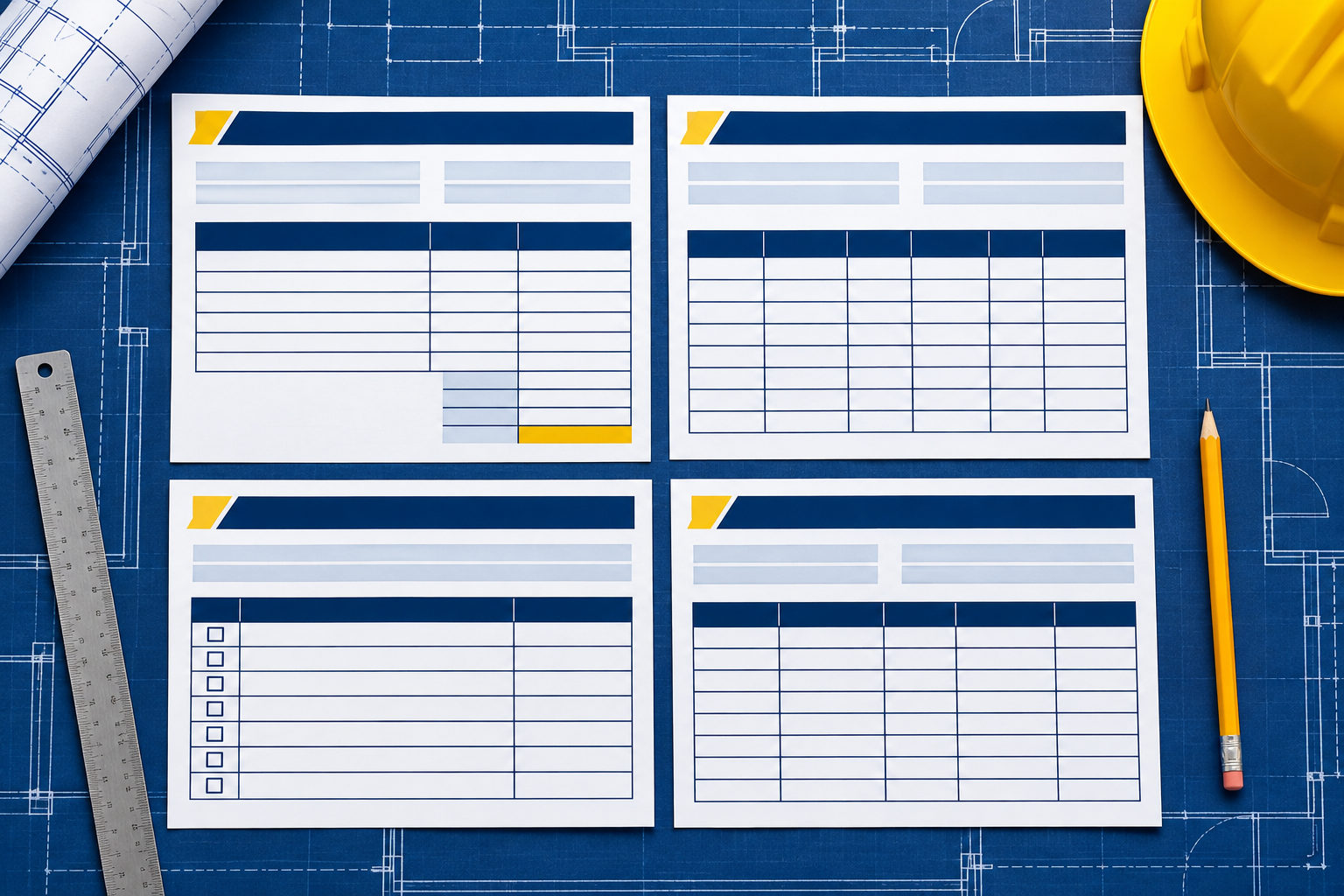
Four reusable records can make a subcontractor payment file easier to check: a pay-application cover sheet, a change-order log, a waiver review checklist, and a payment follow-up tracker. Keep each tied to the signed subcontract and project requirements. Templates help you organize information. They do not replace required forms, legal notices, or contract deadlines.
Start with the project rules, then choose the template
Before you copy a form from another job, check the signed subcontract, current schedule of values, payment instructions, and any incorporated prime contract terms. Confirm what must be submitted, when, and through which portal or contact. Waivers and lien procedures can vary by state, and public projects may use bond procedures instead.
The samples below are working layouts, not statutory forms. Replace the bracketed items with project data, remove fields you do not need, and add every requirement in your contract. Do not upload private banking details or tax IDs to a public document or AI tool.
Template 1: Pay-application cover sheet
This cover page gives the reviewer a quick route through the package. Use your required billing form as the official application when the contract provides one. Attach this summary only if it helps and is allowed.
| Field | Example entry |
|---|---|
| Project and contract | [Project name] | [Subcontract number] |
| Application | [Application number] | [Period ending] |
| Current work | [Amount this period, tied to schedule of values] |
| Approved changes | [Change IDs and current billing amounts] |
| Prior billings and credits | [Prior total] | [Credits or adjustments] |
| Retainage | [Held this period] | [Held to date] | [Released] |
| Amount requested | [Calculation from current contract schedule] |
| Backup included | [Quantities, tickets, photos, inspections, other required records] |
| Submitted by | [Name and role] | [Submission date and channel] |
Before sending, tie every number to the schedule of values and the supporting record. For covered federal fixed-price construction contracts, FAR 52.232-5 describes itemized progress-payment substantiation and subcontractor amounts. It is a federal clause example, not a universal billing format.
Template 2: Change-order and extra-work log
Use one row for each change, even if it is not priced yet. The point is to keep the request, notice, cost, and status connected.
| Change ID | Direction and date | Notice sent | Scope and location | Cost and time effect | Status and next step |
|---|---|---|---|---|---|
| [CO-014] | [Who directed it, date/time] | [Date, method, recipient] | [Work added, revised, or omitted] | [Estimate and schedule days, with backup] | [Pending review; response due per contract] |
Attach the field directive or email, photos, daily report, labor and material record, estimate revision, and any schedule update. If the work is urgent, follow the project’s emergency process and document it promptly. Do not mark a change approved until the authorized person and required approval are recorded.
Template 3: Waiver review checklist
Do not use a generic waiver as a substitute for a required jurisdictional form. Use this checklist to review the form someone gives you.
- Correct legal entity, project name, address, and contract tier?
- Progress or final release, and conditional or unconditional?
- Correct amount, payment period, and through-date?
- Does the release include disputed extras, pending changes, retainage, or claims outside this payment?
- Does it match the payment status and applicable state form?
- Does it require lower-tier or supplier releases? If so, are they collected and checked?
- Who reviewed it, when was it signed, and what payment record will be attached?
California’s Contractors State License Board describes separate conditional and unconditional progress and final release forms. Texas Chapter 53 includes its own waiver requirements. These examples illustrate why a form from one state should not automatically be used on another project. Ask a local construction lawyer to review a broad or unclear release.
Template 4: Payment follow-up tracker
Record the sequence while it is fresh. A follow-up becomes easier when you can point to a date and a document, not just “it has been a while.”
| Date | Event | Amount or line | Evidence | Question or next action |
|---|---|---|---|---|
| [Date] | [Application submitted] | [Application 07, amount] | [Portal receipt or sent email] | [Confirm receipt and completeness] |
| [Date] | [Reviewer response] | [Line 04 reduced] | [Marked-up application] | [Ask for reason and missing support] |
| [Date] | [Correction sent] | [Line 04, revised amount] | [Package v2 and delivery proof] | [Set follow-up from contract timeline] |
Save the sent version and the response together. If a payment is disputed, add the exact contract term or project requirement cited by each side. Keep the tone neutral and factual.
Put the four templates into one job-file routine
- Create a project folder with the signed subcontract, schedule of values, required billing form, change procedure, and closeout checklist.
- Update the change log when work is directed, not at month end.
- Update quantities and supporting records on a set field cadence.
- Complete the cover sheet from the current schedule and payment ledger.
- Review the waiver against the exact payment and applicable form rules.
- Submit through the required channel and save proof of receipt.
- Log every question, correction, payment, and retainage change.
- Set a closeout reminder for retainage and final-payment conditions.
Illustrative example: keep the open change out of the approved total
Suppose your application includes $22,000 of installed work and $4,500 of approved changes. You also have a $2,100 extra that the superintendent directed but the prime has not approved. The cover sheet should show the approved amount using the contract’s billing method. The change log should show the $2,100 item as pending, with the direction, notice, backup, and next action.
Do not quietly blend that pending amount into a line the prime has already approved. That makes the package harder to review and can muddy the record. Ask how the reviewer wants the pending item handled under the subcontract and follow that written process. The example is fictional and does not establish whether the extra is payable.
Adapt the templates without losing the audit trail
Keep one version per billing period. Name files with the project, application number, and date, then save them in the project’s approved system. When a value changes, preserve the prior version and note what changed, who made the update, and which source supports it. That small habit helps when a reviewer asks why this month’s quantity differs from last month’s.
Do not turn the template into a second source of truth. If the contract portal or accounting system is the official record, update that first and make the companion sheet match it. Ask the project manager which version they are reviewing before sending a correction. A clear version label can prevent two people from discussing different totals.
Let AI check the forms for missing fields
AI can compare the redacted cover sheet with your attachment list or highlight blank dates in a change log. It should not generate a legal waiver or invent a notice deadline. Remove sensitive and confidential details before using an outside tool.
“Check these redacted project forms for blank fields and mismatches. Compare the pay-app summary with the schedule of values and payment tracker. Compare each change-log status with its approval record. List missing attachments and inconsistent dates. Cite the file and row for every finding. Do not decide payment entitlement, interpret a waiver, or create a legal deadline.”
Review each result against the originals. If a form will release rights or trigger a deadline, have a qualified person review it before it is sent or signed.
Build on the templates with the prompt book
The Subcontractor Payment AI Prompt Book focuses on late payment, retainage, waivers, and unpaid change orders. Its prompts can help you organize the records behind these templates and prepare clear status requests. Check every output against the signed subcontract, project forms, and local requirements. The prompts are a drafting aid, not a legal form or a guarantee of payment.
See the other articles in this series: the payment file guide, common payment gaps, the billing workflow, and answers to payment questions.
Questions about using these templates
Can I send the pay-app cover sheet instead of the required billing form?
No. Use the form and portal required by your contract or project. The cover sheet is only a companion summary if it is accepted.
Can I use the same waiver checklist in every state?
You can use the questions as an internal review aid, but waiver forms and rules vary. Confirm the prescribed form and requirements where the project is located.
Should pending changes appear on the payment application?
Follow the subcontract’s billing rules. Keep pending items clearly labeled and separate from approved work. Ask the reviewer how to submit disputed or unapproved work through the contract process.
How long should I keep payment records?
Use the retention period in the contract and any applicable legal, tax, licensing, or project requirements. If a claim or audit is possible, ask your accountant or lawyer before destroying records.
What should I redact before asking AI to check a form?
Remove bank details, tax identifiers, signatures, personal contact information, confidential owner data, and anything your agreement prohibits sharing. Check the AI service’s data terms and your contract first.
Can a template tell me when to file a bond claim?
No. A tracker can remind you to verify a deadline, but the deadline depends on the law, project, claimant’s role, and facts. Ask a construction lawyer to calculate it from the real record.
Sources and scope
- FAR 52.232-5, Payments Under Fixed-Price Construction Contracts. Federal clause example for payment-request substantiation.
- FAR 52.232-27, Prompt Payment for Construction Contracts. Federal construction payment and subcontract clause example.
- California Contractors State License Board, waiver and release forms. California-specific guidance.
- Texas Property Code, Chapter 53. Texas-specific lien and waiver provisions.
Last reviewed: November 16, 2026. These are general working templates, not legal forms or accounting advice. Contract requirements and waiver rules vary by project and jurisdiction. Get qualified local help for a disputed payment, release, or deadline.
