
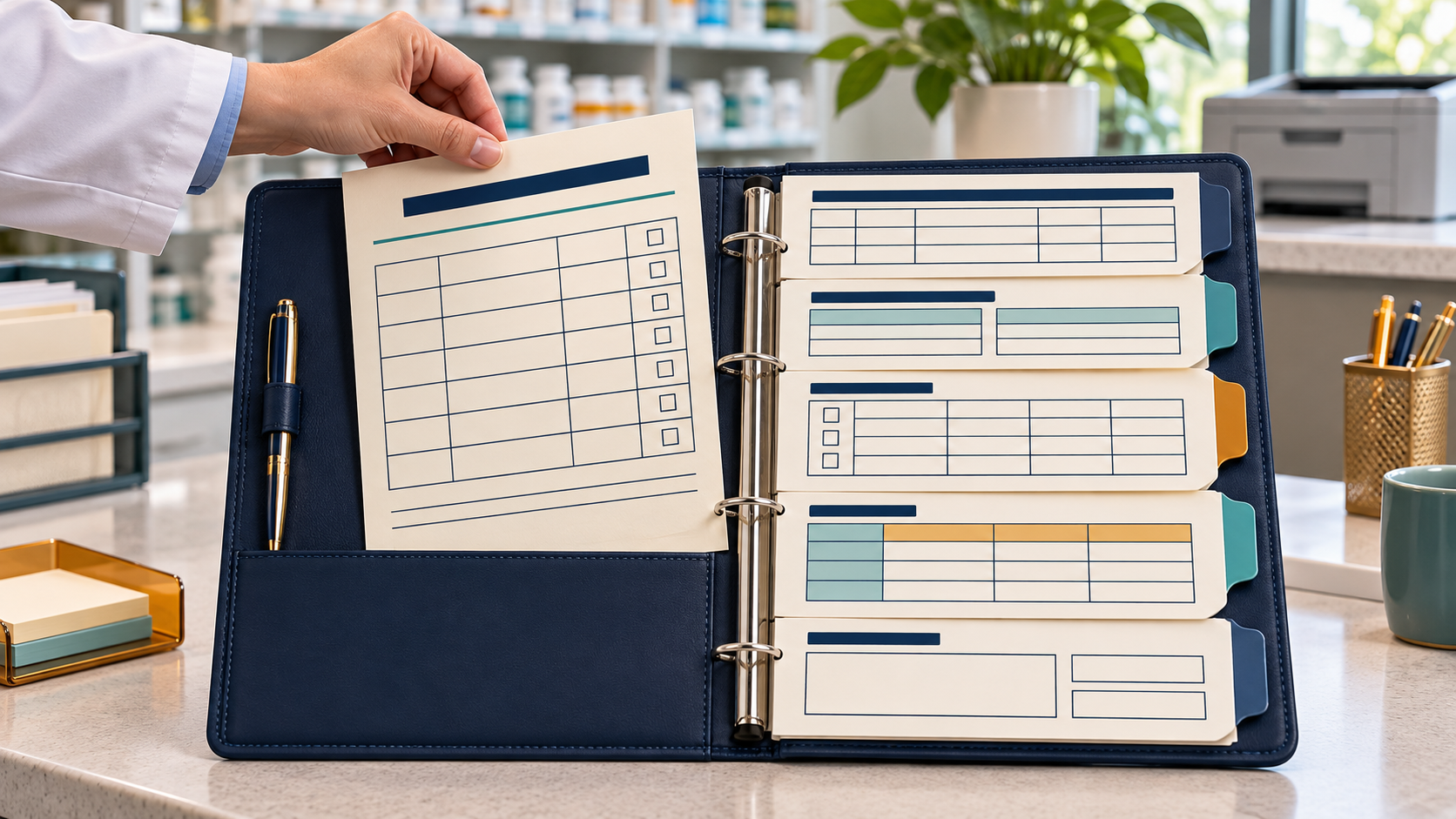
Quick answerA useful PBM audit template makes the request and its evidence easy to trace. Start with a deadline log, claim crosswalk, record retrieval log, issue-response matrix, and submission checklist. Keep the source records unchanged, limit access to sensitive information, and have the pharmacist in charge or compliance lead verify every entry before anything goes out.
Five copyable sheets
| Sheet | Use it for | Keep private details out of the shared view |
|---|---|---|
| Notice and deadline log | One record of dates, channel, and owner | Use the audit reference, not patient names |
| Claim crosswalk | Matching PBM references to internal records | Store any identity key separately |
| Record retrieval log | Tracking found, missing, and open documents | Avoid attaching source files to an open tracker |
| Issue-response matrix | Showing which record answers each question | Use masked claim references |
| Submission checklist | Final review and proof of receipt | Record the file names, not unnecessary PHI |
1. Notice and deadline log
Use one row for each notice. Make a copy for a new audit rather than overwriting last month’s record. The point is to know who owns each next step and which date is still controlling.
| Audit reference | Notice received | Stated due date/time | Submission method | Coordinator | Clarification needed | Confirmed extension |
|---|---|---|---|---|---|---|
| [masked ref] | [date/time] | [copy exactly] | [portal/address] | [name] | [question or none] | [date and confirmation source] |
Example: AUD-26-041 | 11/16, portal alert | 11/30, 5 p.m. ET | PBM portal | J. Lee | confirm whether one PDF per claim | blank until written confirmation
Treat the stated date as an item to verify against the notice and agreement. An unanswered extension request does not mean the due date changed. If the time could affect a right or appeal, send the issue to the authorized reviewer.
2. Claim crosswalk
Use this sheet to link a PBM reference with a pharmacy system reference. Mask patient identity and keep the mapping in a restricted location. Don’t use drug name or patient initials as a substitute for a verified transaction identifier.
| PBM reference | Internal transaction key | Source system | Date of service shown | Match checked by | Status |
|---|---|---|---|---|---|
| [masked ref] | [internal key] | [system] | [date as shown] | [initials] | [verified/open] |
AI check: “Review only the redacted crosswalk below. Flag blank IDs, duplicate PBM references, and inconsistent date formats. Do not decide that two different records are the same claim. Return uncertain matches as ‘human check needed.’”
Compare each match with the underlying transaction. If the notice and system do not line up, ask for clarification instead of silently changing the identifier.
3. Record retrieval and missing-item log
This sheet gives staff a consistent way to record searches. It helps separate “not found yet” from “not requested” and “not applicable.”
| Claim ref | Requested record | System/location checked | Search date | Result | Person | Next action |
|---|---|---|---|---|---|---|
| [masked ref] | [record type] | [location] | [date] | [found/missing/open] | [name] | [action and date] |
If a record is missing, document what was checked and when. Do not create a replacement that could be mistaken for the original. CMS’s Part D IPM FAQs describe missing-documentation submissions in a CMS review involving Part D sponsors. That process does not automatically govern a pharmacy’s direct PBM audit, but it reinforces the need to distinguish the original source record from a note explaining that it was not located. See the CMS FAQs.
4. Issue-response matrix
The PBM’s question should have a visible path to the evidence and the person approving the response. Keep the “response text” field blank until the records are reviewed.
| Claim ref | PBM question | Source file and page | What the source shows | Gap or conflict | Reviewer | Response status |
|---|---|---|---|---|---|---|
| [masked ref] | [quote or neutral summary] | [file, page] | [fact only] | [open item] | [PIC/compliance] | [draft/reviewed/approved] |
Illustrative example: The notice asks about a date. The index points to an order and a transaction report. The two dates differ. In “gap or conflict,” write date differs; PIC to review which record applies. Do not write that the difference is harmless unless the authorized reviewer confirms that conclusion and the response has a supportable basis.
Try a bounded AI prompt on the approved index:
Compare the audit question with the listed source fields. Return the exact question, file and page that appear relevant, matching facts, differences, and missing information. Do not interpret the agreement, decide claim validity, or draft a conclusion. Use “not shown” when the index contains no answer. Material: [approved redacted index].
The pharmacist or compliance lead must compare the result against the actual files. An index can be wrong or incomplete.
5. Submission checklist and receipt log
Keep the last gate short. Use it for every audit package.
- [ ] The notice and applicable agreement were checked for deadline and channel.
- [ ] Every claim reference matches the controlled crosswalk.
- [ ] Each attachment is responsive to the request and opens clearly.
- [ ] Source records remain unchanged and retain their origin labels.
- [ ] Unrelated sensitive information has been excluded where appropriate.
- [ ] Open items are identified honestly and reviewed by the responsible person.
- [ ] The final response was approved by the authorized reviewer.
- [ ] The submission channel matches the notice or confirmed instructions.
- [ ] The exact package, date/time, sender, and confirmation are recorded.
| Sent date/time | Submitted by | Channel | File set/version | Receipt number | Follow-up date |
|---|---|---|---|---|---|
| [date/time] | [name] | [portal/method] | [version] | [confirmation] | [date] |
Save the confirmation with the final version. If the PBM requests more information, start a new tracker item and preserve the original submission record.
Keep the templates secure
These sheets are for process tracking. They are not a substitute for a pharmacy’s record system, retention policy, or privacy program. Limit access to people handling the audit. Store any patient crosswalk separately, and use an approved secure system for source documents.
Do not upload real claim identifiers, prescription images, or identifiable records to a general AI tool unless your organization has approved it for that information and purpose. Test the prompts with synthetic examples if you need to see how the output is formatted.
The prompt playbook
The Pharmacy PBM Audit Prompts playbook includes record-pack, missing-record, claim response, deadline, staff briefing, onsite audit, and follow-up prompts. Its Verify step is useful as a final reminder to check generated work against the source documents. Use these templates alongside the full audit-prep guide, six file-gap checks, workflow, and owner Q&A.
Frequently asked questions
Can I use one tracker for every PBM audit?
You can reuse the layout, but make a separate copy for each audit and confirm its requirements from the new notice and contract. Do not carry over a deadline, claim list, or submission instruction from an earlier review without checking it.
Should the claim crosswalk contain patient names?
Keep patient identity out of the shared tracker whenever possible. Use an approved masked reference and store any crosswalk needed to locate the source record in a restricted location that follows pharmacy policy.
What should we write when a requested record is missing?
Record the item requested, places searched, search date, person responsible, and next step. Be precise about what the team knows. “Not located in the systems checked” is different from saying the record never existed.
Can the issue-response matrix replace the original records?
No. The matrix is an index and review aid. It points to source records and helps track questions. Submit the records required by the notice and agreement through the approved channel.
Should AI fill blank cells in the templates?
It can flag blanks or inconsistent labels, but it should not fill missing facts by guessing. Ask it to mark absent information as open, then assign a person to verify the source.
How do I record an extension?
Keep the original due date until the PBM confirms an extension. Record the new date exactly as confirmed, when and how confirmation arrived, and who verified the change against the applicable agreement or notice.
What should we save after the audit package is sent?
Keep the final response and attachments, the submission receipt or tracking information, date and time, sender, and any open follow-up items. Follow the pharmacy’s access and retention rules.
Related pharmacy guides
- PBM Audit Prep: AI Prompts for Independent Pharmacies
- 6 PBM Audit File Gaps Independent Pharmacies Should Catch
- From Audit Notice to Response: A Pharmacy PBM Workflow
- PBM Audit Questions for Independent Pharmacy Owners
Sources and scope
- CMS, CY 2024 Part D Improper Payment Measure FAQs
- CMS, Prescription Drug Event Data Guidance
- CMS, Part C and Part D Program Audits
CMS sources cited here describe CMS program processes. They do not establish universal PBM audit rules for retail pharmacies. This article is general education, not legal, clinical, or reimbursement advice. Check the notice, agreement, and applicable requirements with a qualified professional.
