
$19.00
PromptsHeaven Playbook · 100 prompts
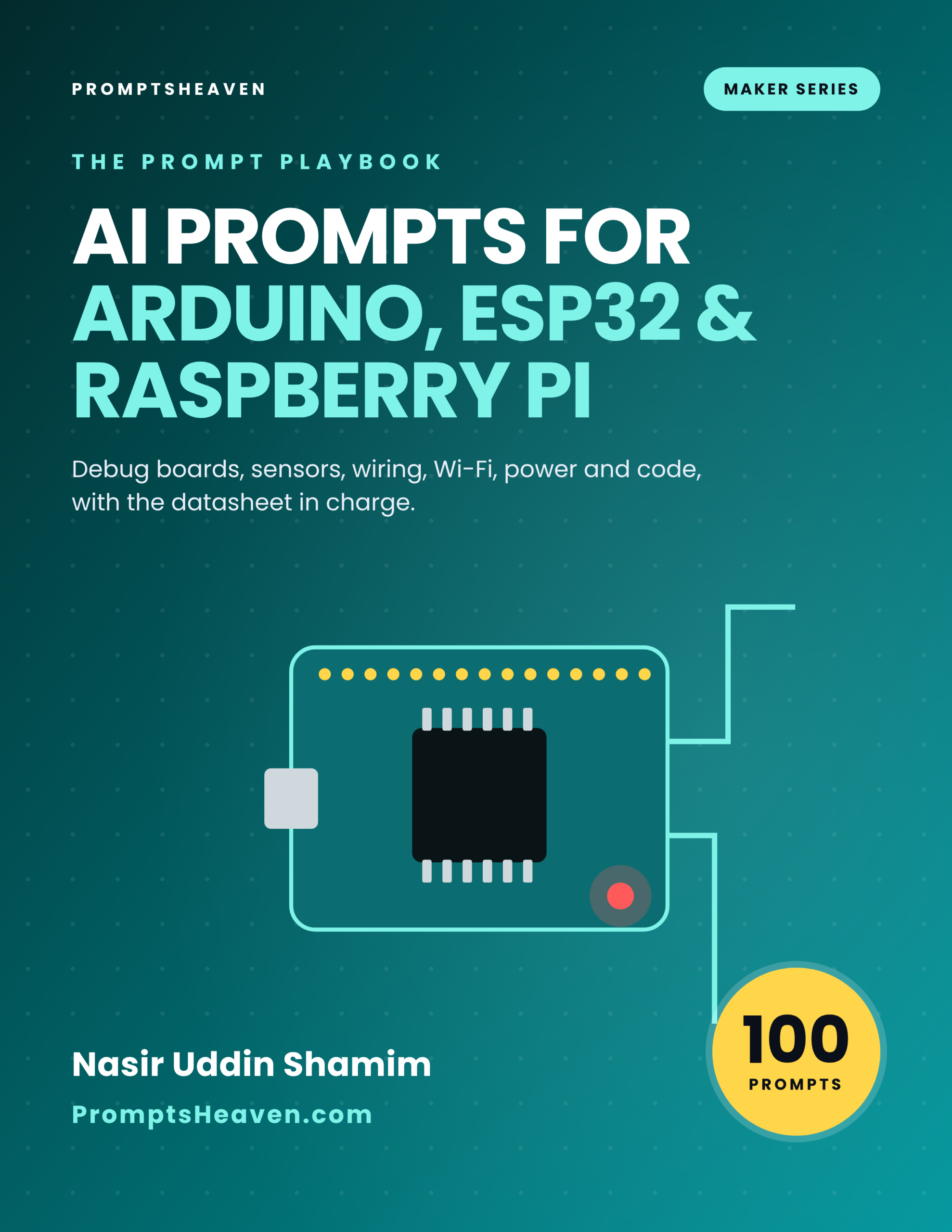
AI Prompts for Arduino, ESP32 and Raspberry Pi
Debug boards, sensors, wiring, Wi-Fi, power and code with prompts that keep the datasheet in charge.
- 100 complete prompts in 10 chapters
- A Verify step on every prompt
- Safety and accuracy rules for your field
- Instant PDF download, yours to keep
- 30-day refund policy
Description
AI Prompts for Arduino, ESP32 and Raspberry Pi is a PDF of 100 ready-to-use AI prompts for arduino, esp32 and raspberry pi.
Debug boards, sensors, wiring, Wi-Fi, power and code with prompts that keep the datasheet in charge. Each prompt tells you when to use it, gives the complete text to paste into ChatGPT, Claude or Gemini with placeholders for your own facts, and ends with a Verify step so you check the answer before you rely on it.
| Author | Nasir Uddin Shamim |
|---|---|
| Publisher | PromptsHeaven |
| Best for | Makers and electronics hobbyists, Students and STEM teachers, Engineers prototyping IoT ideas |
| Works with | ChatGPT, Claude, Gemini, Microsoft Copilot and similar assistants |
| Included | 100 prompts, safety and accuracy rules, glossary, resources list |
| Refunds | 30-day refund policy |
10 areas of your work, covered properly.
The playbook is organized around the real tasks of the job, not around AI tricks.
Three prompts, printed in full.
This is exactly how all 100 prompts look in the book.
Prompt 1.1: Choose the right board
I want to build [PROJECT]. Requirements: [SENSORS, OUTPUTS, WIRELESS, POWER, BUDGET DIRECTION]. Compare a classic Arduino board, an ESP32 board and a Raspberry Pi for this project: strengths, weaknesses, and what I should confirm in each official documentation.
Prompt 4.4: Relay modules and mains warning
I want to switch [LOAD]. Explain how relay modules work, the difference between low-voltage and mains loads, and why mains work needs certified parts and a qualified person. List safer alternatives for my case.
Prompt 7.7: Home automation integration
List the ways to connect [BOARD] to [HOME AUTOMATION SYSTEM], with pros and cons and which official integration docs to read.
Every prompt in the playbook.
Open a chapter to see the title of every prompt inside it.
Chapter 1: Setup and First Steps (10 prompts)
- Choose the right board
- Set up the development environment
- Blink and serial test
- Explain a pinout
- Project starter checklist
- Learn the basics in a week
- Understand a library
- Read a datasheet section
- Parts list with questions
- Simulation before hardware
Chapter 2: Wiring and Breadboards (10 prompts)
- Wiring table from a parts list
- Breadboard layout plan
- Logic level shifting questions
- Pull-up and pull-down resistors
- LED current limiting
- Common ground
- Soldering readiness
- Cable and connector choices
- Review my wiring description
- Draw a schematic in text
Chapter 3: Sensors and Inputs (10 prompts)
- Pick a sensor
- I2C device not found
- Analog readings jump
- Calibrate a sensor
- Buttons and debouncing
- Read multiple sensors on a schedule
- Environmental sensor project
- Motion and presence sensing
- Current and power measurement
- Sensor data validation code
Chapter 4: Outputs, Motors and Relays (10 prompts)
- Drive a motor safely
- Servo control
- Stepper motor basics
- Relay modules and mains warning
- LED strips
- Displays
- Sound output
- Output state machine
- PWM explained
- Emergency stop design
Chapter 5: Power and Batteries (10 prompts)
- Power budget
- Regulator selection questions
- Lithium battery safety
- Deep sleep for battery life
- Solar-powered node
- Brownout diagnosis
- USB power limits
- Power-on reset behavior
- Enclosure and heat
- Power documentation
Chapter 6: Code and Debugging (10 prompts)
- Explain a compiler error
- Code review for embedded pitfalls
- Serial debugging plan
- Non-blocking timing
- Memory problems
- Interrupt use
- Structure a larger program
- Write tests without hardware
- Version control for firmware
- Watchdog and recovery
Chapter 7: Wi-Fi, Bluetooth and IoT (10 prompts)
- Wi-Fi connection that recovers
- Store credentials safely
- MQTT basics
- Web dashboard on the device
- Bluetooth Low Energy basics
- Over-the-air updates
- Home automation integration
- Time and scheduling
- Data logging to the cloud
- Network security checklist
Chapter 8: Raspberry Pi and Linux (10 prompts)
- First boot checklist
- Linux command helper
- Run a script at boot
- GPIO from Python
- Camera project
- SD card reliability
- Remote access
- Pi plus microcontroller
- Performance and temperature
- Backup and restore plan
Chapter 9: Projects and Planning (10 prompts)
- Project idea generator
- Turn an idea into a plan
- Weather station
- Plant watering system
- Smart doorbell or notifier
- Data logger for science projects
- Classroom kit plan
- Prototype to product questions
- Budget optimization
- Project timeline
Chapter 10: Testing, Reliability and Sharing (10 prompts)
- Test plan
- Long-run soak test
- Field deployment checklist
- Troubleshooting guide for users
- Project write-up
- Open-source licensing
- Video script for a build
- Fault report
- Code documentation
- Next project roadmap
Built to be trusted, not just used.
Typical free prompt lists
- A handful of generic prompts with a job title pasted in
- No way to check the answer
- Break on real documents and local rules
This playbook
- 100 prompts built around real tasks and documents
- A Verify step on every prompt
- Clear rules on what AI must never decide for you
Made for people who do the work.
Perfect for
- Makers and electronics hobbyists
- Students and STEM teachers
- Engineers prototyping IoT ideas
Not for
- Mains voltage or safety-critical designs
- Anyone wanting AI to replace a datasheet
Want every playbook?
Get this book and every other PromptsHeaven industry playbook, now and in the future, for $99.
Frequently asked questions.
What is AI Prompts for Arduino, ESP32 and Raspberry Pi?
It is a PDF playbook of 100 ready-to-use AI prompts for arduino, esp32 and raspberry pi, written by Nasir Uddin Shamim and published by PromptsHeaven. Each prompt explains when to use it, gives the complete text with placeholders for your own details, and ends with a Verify step.
Which AI tools do the prompts work with?
They are plain-language prompts that work in ChatGPT, Claude, Gemini, Microsoft Copilot and similar AI assistants.
What is the Verify step?
Every prompt ends with a short check telling you what to confirm before you rely on the answer, such as matching numbers to your documents, the product label, the datasheet or official guidance.
Does the book give legal, medical, financial or regulatory answers?
No. On purpose, it contains no legal limits, rates or official requirements. Where a number or rule matters, the prompt tells you which official source or qualified person to use.
How do I receive the book?
Right after checkout you get a download link on screen and by email, and you can download it again from your account.
How much does it cost?
$19 as a one-time payment, or get every PromptsHeaven industry playbook for $99 with the Complete Playbook Bundle.
Is there a refund policy?
Yes, a 30-day refund policy. See the refund policy page for details.
Start using better prompts today.
Instant PDF download · 30-day refund policy · Works with ChatGPT, Claude and Gemini
Related products
-

The Complete Playbook Bundle
$99.00 Add to cart -
Sale!

Premium Guides & Resources
Original price was: $39.00.$9.00Current price is: $9.00. Add to cart -
AI Prompts for Insurance Adjusters (100 Prompts)
$19.00 Add to cart -
Sale!

Prompts Bundle (MJ, ChatGPT, SD, Dall-e)
Original price was: $199.00.$14.99Current price is: $14.99. Add to cart
Reviews
There are no reviews yet.