
$19.00
PromptsHeaven Playbook · 100 prompts
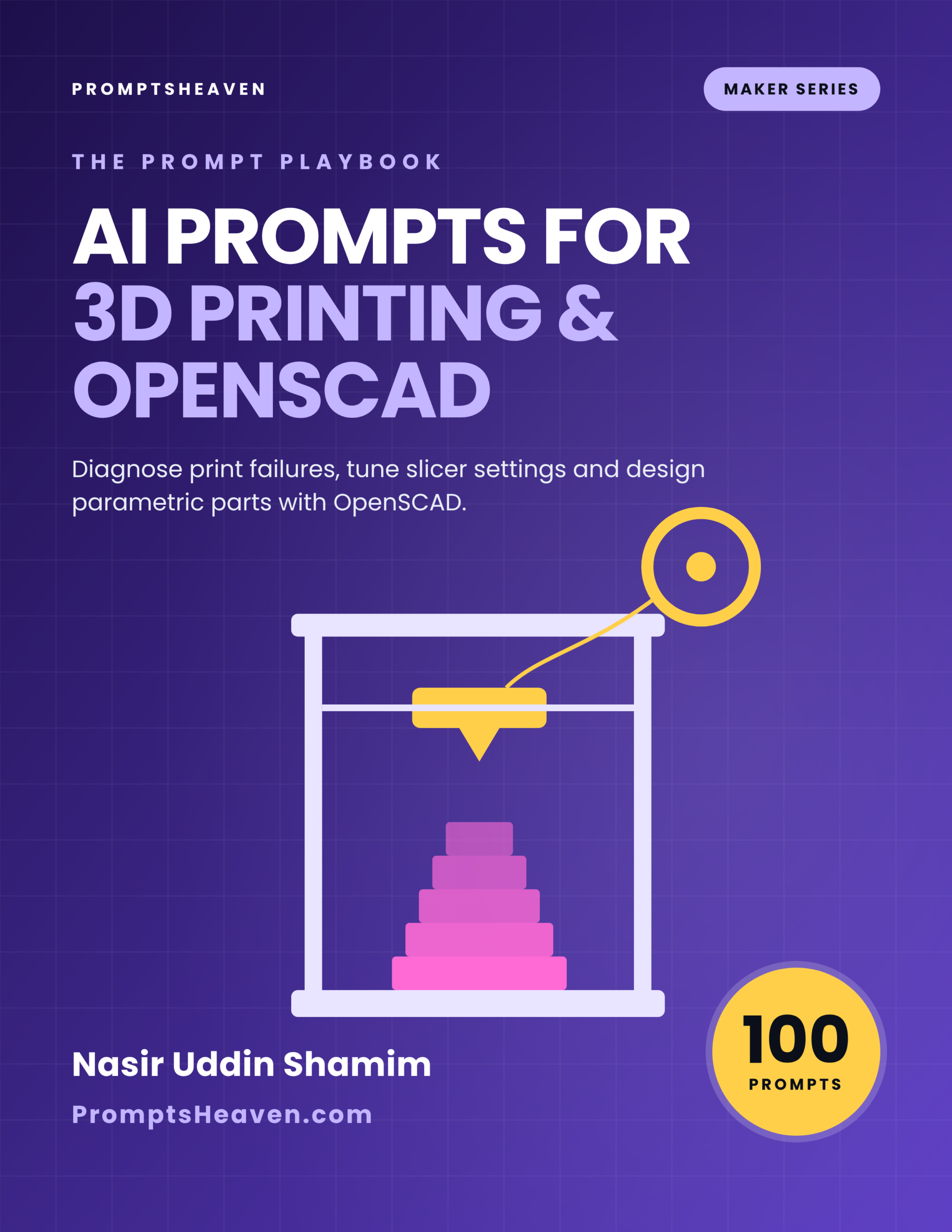
AI Prompts for 3D Printing and OpenSCAD
Diagnose print failures from photos, tune slicer settings, and design parametric parts in OpenSCAD.
- 100 complete prompts in 10 chapters
- A Verify step on every prompt
- Safety and accuracy rules for your field
- Instant PDF download, yours to keep
- 30-day refund policy
Description
AI Prompts for 3D Printing and OpenSCAD is a PDF of 100 ready-to-use AI prompts for 3d printing and openscad.
Diagnose print failures from photos, tune slicer settings, and design parametric parts in OpenSCAD. Each prompt tells you when to use it, gives the complete text to paste into ChatGPT, Claude or Gemini with placeholders for your own facts, and ends with a Verify step so you check the answer before you rely on it.
| Author | Nasir Uddin Shamim |
|---|---|
| Publisher | PromptsHeaven |
| Best for | FDM and resin hobbyists, Makers designing functional parts, Print farm and small batch sellers |
| Works with | ChatGPT, Claude, Gemini, Microsoft Copilot and similar assistants |
| Included | 100 prompts, safety and accuracy rules, glossary, resources list |
| Refunds | 30-day refund policy |
10 areas of your work, covered properly.
The playbook is organized around the real tasks of the job, not around AI tricks.
Three prompts, printed in full.
This is exactly how all 100 prompts look in the book.
Prompt 1.1: Diagnose from a photo description
Act as an experienced 3D printing troubleshooter. My printer: [PRINTER MODEL]. Material: [MATERIAL AND BRAND]. Nozzle: [SIZE]. Key settings: nozzle temp [VALUE], bed temp [VALUE], speed [VALUE], layer height [VALUE]. What I see: [DESCRIBE THE FAILURE IN DETAIL, WHERE ON THE PART, AT WHICH LAYER]. List the three most likely causes in order, and for each give one test print or check that would confirm it.
Prompt 4.4: Maintenance schedule
Create a maintenance schedule for [PRINTER] used [HOURS PER WEEK]: daily, weekly, monthly and every few hundred hours. Include cleaning, lubrication points, belt checks, nozzle checks and firmware updates.
Prompt 7.7: Reverse engineer a broken part
Help me plan how to measure and model a broken part [DESCRIPTION]: which dimensions to measure, how to handle curves, and how to iterate with test prints.
Every prompt in the playbook.
Open a chapter to see the title of every prompt inside it.
Chapter 1: Print Failure Diagnosis (10 prompts)
- Diagnose from a photo description
- First layer will not stick
- Warping and lifting corners
- Stringing and blobs
- Layer shifting
- Under-extrusion
- Over-extrusion and rough surfaces
- Poor overhangs and bridges
- Elephant foot and dimensional errors at the base
- Mid-print failure log
Chapter 2: Slicer Settings and Profiles (10 prompts)
- Explain a slicer setting
- Build a profile for a new filament
- Speed versus quality trade-offs
- Infill and wall choices for strength
- Supports that come off cleanly
- Seam placement
- Profile documentation
- Compare two slicers
- Print orientation advisor
- Multi-material and color changes
Chapter 3: Materials and Filament (10 prompts)
- Choose a material for a job
- Dry wet filament
- Store filament properly
- Flexible filament tips
- Engineering materials readiness
- Fumes and ventilation questions
- Color matching for a product
- Filament cost tracking
- Recycling and waste
- Material test card
Chapter 4: Calibration and Maintenance (10 prompts)
- Calibration sequence for a new printer
- E-steps or rotation distance check
- Bed leveling routine
- Maintenance schedule
- Clogged nozzle procedure
- Dimensional accuracy calibration
- Upgrade decision helper
- Firmware update checklist
- Noise and vibration reduction
- Print log template
Chapter 5: OpenSCAD Fundamentals (10 prompts)
- Learn OpenSCAD basics fast
- Explain my OpenSCAD code
- Fix an OpenSCAD error
- Modules and reuse
- Rounded edges and fillets
- Text and labels on parts
- Using libraries
- Customizer-ready files
- Import and modify an STL
- Export and slicer handoff
Chapter 6: Parametric Design Projects (10 prompts)
- Parametric box with lid
- Cable clip generator
- Wall-mount bracket
- Replacement knob
- Drawer organizer grid
- Gear basics
- Enclosure for electronics
- Hinge and snap fit
- Name tags and signs
- Design a parametric product family
Chapter 7: Functional Parts and Tolerances (10 prompts)
- Tolerance test print
- Threads and inserts
- Load and stress thinking
- Heat-resistant parts
- Outdoor parts
- Food contact questions
- Reverse engineer a broken part
- Post-processing options
- Assembly design
- Functional test plan
Chapter 8: Resin Printing (10 prompts)
- Resin printing safety checklist
- Resin print failure diagnosis
- Exposure calibration
- Support strategy for resin
- Hollowing and drain holes
- Washing and curing routine
- Miniatures and detail
- Resin waste disposal
- Choosing resin type
- Resin printer maintenance
Chapter 9: Selling and Small Batch Production (10 prompts)
- Price a printed product
- Product listing copy
- Licensing check for models
- Batch production plan
- Quality check sheet
- Customer custom orders
- Print farm scheduling
- Shipping printed products
- Customer support replies
- Business numbers dashboard
Chapter 10: Workshop, Documentation and Learning (10 prompts)
- Workshop safety plan
- Learning plan
- Project documentation
- Teaching a beginner
- Troubleshooting flowchart text
- Model review before printing
- Community question writing
- Compare printers before buying
- Review my print settings
- Yearly printer review
Built to be trusted, not just used.
Typical free prompt lists
- A handful of generic prompts with a job title pasted in
- No way to check the answer
- Break on real documents and local rules
This playbook
- 100 prompts built around real tasks and documents
- A Verify step on every prompt
- Clear rules on what AI must never decide for you
Made for people who do the work.
Perfect for
- FDM and resin hobbyists
- Makers designing functional parts
- Print farm and small batch sellers
Not for
- Certified engineering or medical parts
- Anyone wanting one magic slicer profile
Want every playbook?
Get this book and every other PromptsHeaven industry playbook, now and in the future, for $99.
Frequently asked questions.
What is AI Prompts for 3D Printing and OpenSCAD?
It is a PDF playbook of 100 ready-to-use AI prompts for 3d printing and openscad, written by Nasir Uddin Shamim and published by PromptsHeaven. Each prompt explains when to use it, gives the complete text with placeholders for your own details, and ends with a Verify step.
Which AI tools do the prompts work with?
They are plain-language prompts that work in ChatGPT, Claude, Gemini, Microsoft Copilot and similar AI assistants.
What is the Verify step?
Every prompt ends with a short check telling you what to confirm before you rely on the answer, such as matching numbers to your documents, the product label, the datasheet or official guidance.
Does the book give legal, medical, financial or regulatory answers?
No. On purpose, it contains no legal limits, rates or official requirements. Where a number or rule matters, the prompt tells you which official source or qualified person to use.
How do I receive the book?
Right after checkout you get a download link on screen and by email, and you can download it again from your account.
How much does it cost?
$19 as a one-time payment, or get every PromptsHeaven industry playbook for $99 with the Complete Playbook Bundle.
Is there a refund policy?
Yes, a 30-day refund policy. See the refund policy page for details.
Start using better prompts today.
Instant PDF download · 30-day refund policy · Works with ChatGPT, Claude and Gemini
Related products
-
Sale!

Prompts Heaven For ChatGPT
Original price was: $39.00.$9.00Current price is: $9.00. Add to cart -
AI Prompts for Pest Control Businesses (100 Prompts)
$19.00 Add to cart -
AI Prompts for Garment Merchandisers (100 Prompts)
$19.00 Add to cart -
Sale!

Prompts Heaven For Dall-E
Original price was: $39.00.$9.00Current price is: $9.00. Add to cart

Reviews
There are no reviews yet.